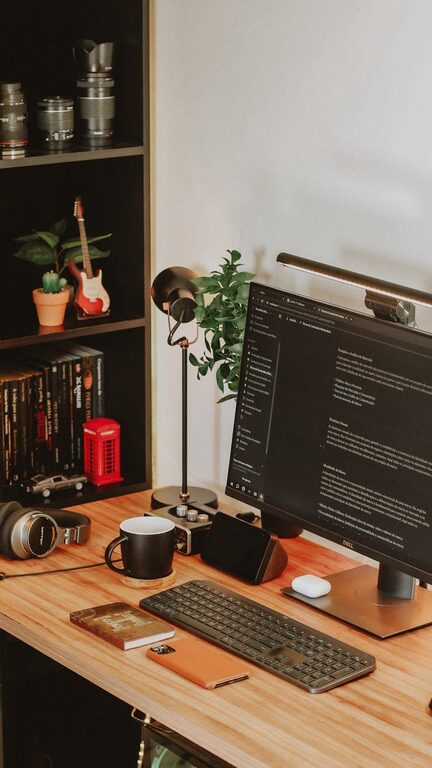
Working from home has become a common experience for many people around the world. While it offers flexibility and comfort, it can also present challenges, especially when it comes to staying focused and productive. One of the most effective ways to improve your work-from-home experience is by creating a relaxing home workspace designed to boost productivity. In this post, we’ll explore practical tips to help you set up a calming and efficient area where you can thrive professionally.
Why a Relaxing Workspace Matters
Your environment has a significant impact on your ability to concentrate and perform tasks effectively. A cluttered, noisy, or uncomfortable workspace can increase stress and reduce productivity. On the other hand, a space that feels peaceful and well-organized encourages better focus, creativity, and energy throughout the workday. Creating a relaxing workspace helps reduce distractions, manage stress, and make working from home a more enjoyable experience.
Choosing the Right Location
The first step in designing your home office is selecting the best location. Ideally, you want a space that offers:
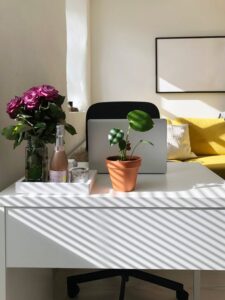
– Natural light: Plenty of natural light can improve mood and reduce eye strain. Try to position your desk near a window if possible.
– Minimal distractions: Choose a quiet room or area away from high-traffic zones like the kitchen or living room.
– Sufficient space: Make sure there’s enough room for your desk, chair, and other essentials without feeling cramped.
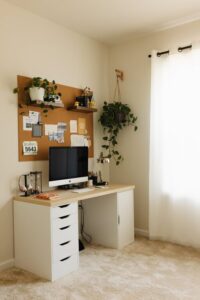
If a dedicated room isn’t available, consider using a corner or a section of a larger room that you can consistently designate as your workspace.
Ergonomic and Comfortable Furniture
Comfort plays a huge role in keeping you relaxed and productive. Here’s what to keep in mind for your furniture:
– Desk: Choose a desk that fits your needs and has enough surface area for your computer, notepads, and other essentials. Adjustable or standing desks can offer flexibility.
– Chair: Invest in a comfortable, ergonomic chair that supports your back and encourages good posture. Sitting properly helps prevent fatigue and discomfort.
– Monitor height: Position your monitor at eye level to avoid neck strain. Using a monitor stand or stack of books can help adjust the height.
A well-designed workspace should encourage good posture and minimize physical strain, allowing you to work longer without discomfort.
Organizing for Clarity and Calm
Clutter can quickly increase mental stress. A tidy environment promotes a clear mind and helps you stay focused. Consider the following strategies:
– Declutter regularly: Remove unnecessary items from your desk and storage areas. Keep only what you need for daily tasks.
– Use storage solutions: Drawers, shelves, and organizers help keep supplies neat and easy to find. Label containers to streamline your workflow.
– Cable management: Tidy wires with clips or sleeves to reduce the visual chaos around your devices.
A clean and organized workspace will help reduce distractions and make it easier to concentrate on your tasks.
Incorporate Soothing Elements
Adding calming touches to your workspace can make it a more inviting place to spend time. Some ideas include:
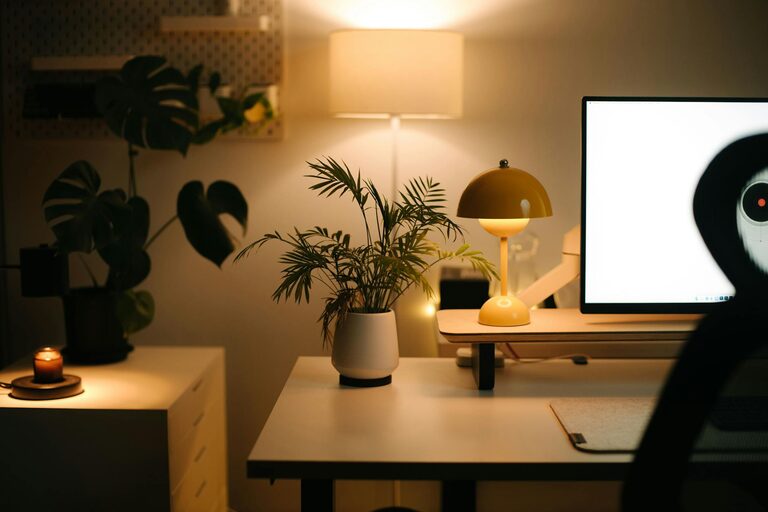
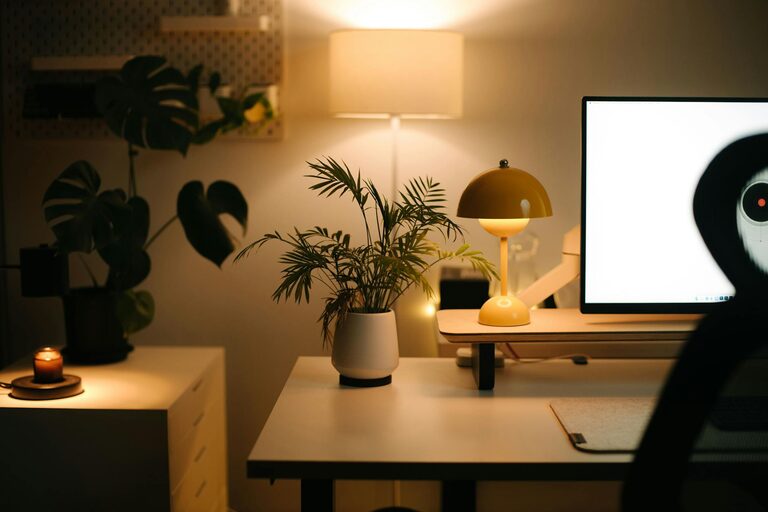
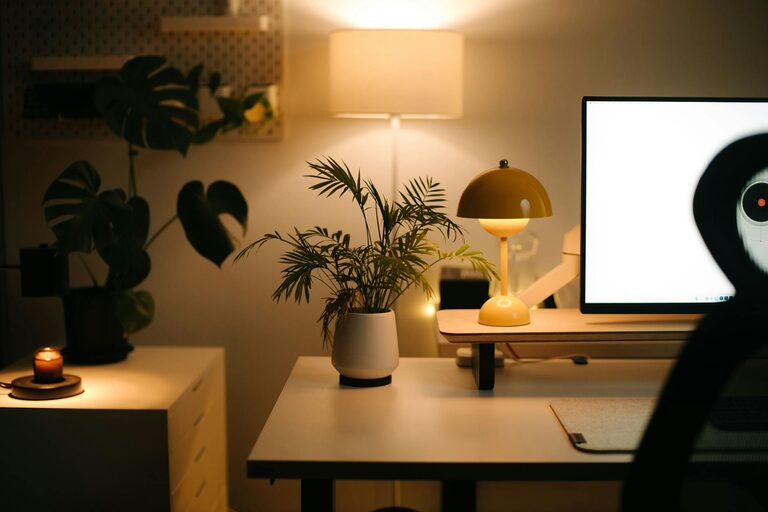
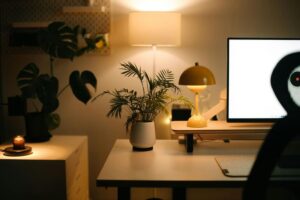
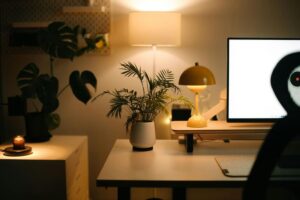
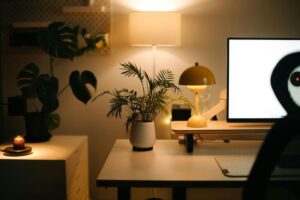
– Plants: Houseplants improve air quality and add a natural, soothing vibe. Low-maintenance options like succulents work well.
– Soft lighting: Replace harsh overhead lights with lamps or fairy lights to create a warm atmosphere. Adjustable lighting helps reduce eye strain.
– Aromatherapy: Light a subtle scented candle or use an essential oil diffuser with calming scents like lavender or eucalyptus to promote relaxation.
– Artwork and decor: Personalize your space with items that inspire you or bring joy, but avoid cluttering the area.
These small additions can improve your mood and create a pleasant, welcoming environment.
Establish Boundaries and Routine
Even in a relaxed setting, maintaining clear work habits is important to stay productive:
– Set work hours: Decide on specific times for starting and ending your workday to create structure.
– Take breaks: Schedule short breaks to stretch, hydrate, or step outside for fresh air. Regular pauses help sustain concentration.
– Limit distractions: Use noise-canceling headphones or background music to block out household noise if needed.
Establishing boundaries between work and personal life helps maintain a healthy balance and keeps your home office feeling like a dedicated space.
Use Technology Wisely
Technology can enhance your workspace but also become a source of distraction. Here are tips to manage tech effectively:
– Keep essential devices close: Arrange your computer, phone, and printer within easy reach to streamline tasks.
– Minimize digital clutter: Organize your desktop and files for quick access. Use apps that block distracting websites during work periods.
– Use a second monitor: If your work requires multitasking, having an extra screen can improve efficiency and reduce switching between tabs.
By optimizing your tech setup, you’ll improve workflow without feeling overwhelmed.
Final Thoughts
Creating a relaxing home workspace is about more than just aesthetics — it’s about making an environment where you feel comfortable, focused, and motivated. By choosing the right location, investing in ergonomic furniture, keeping things organized, and adding calming touches, you can design a space that supports your productivity and wellbeing. Remember, the best workspace is one that suits your personal needs and encourages you to do your best work every day.
Take the time to customize your home office gradually, and you’ll likely see improvements in both your mindset and output. Happy designing!